If you’re a graphic designer—whether beginner or pro—you know the right tools can make your life easier, save you time, and help you produce high-quality work. The best part? Some of the most powerful tools out there are completely free.
Whether you’re designing logos, social media content, or marketing materials, these five websites are must-haves in your designer toolkit.
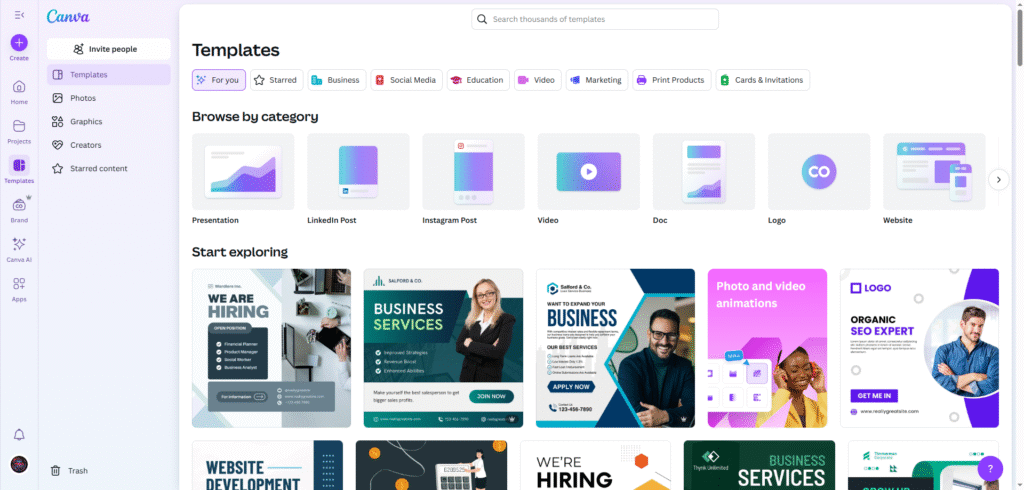
1. Canva – www.canva.com
Best for: Creating quick designs, social media posts, flyers, and presentations
Canva is a drag-and-drop design platform perfect for beginners and experienced designers alike. It comes with thousands of free templates, fonts, and design elements. You can easily customize templates for Instagram, Facebook, business cards, and more.
Why we love it:
- Huge library of free templates
- Easy to use interface
- Free version includes hundreds of design tools
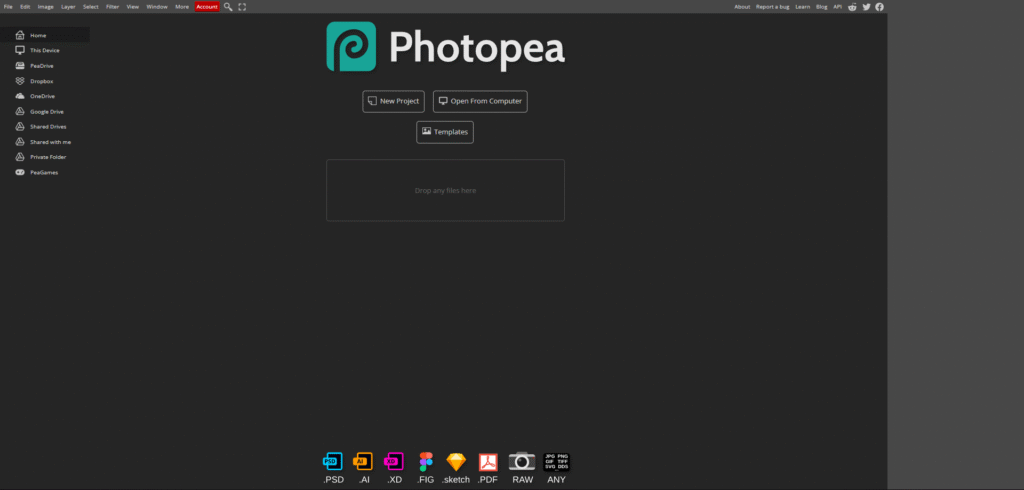
2. Photopea – www.photopea.com
Best for: Photoshop-style editing directly in your browser
Photopea is a free online photo editor that works just like Adobe Photoshop. It supports PSD files and other formats like JPG, PNG, SVG, and XD. This tool is a game-changer if you don’t have access to expensive software but still need pro-level editing features.
Why we love it:
- No installation required
- Supports layers and advanced editing
- Great alternative to Photoshop
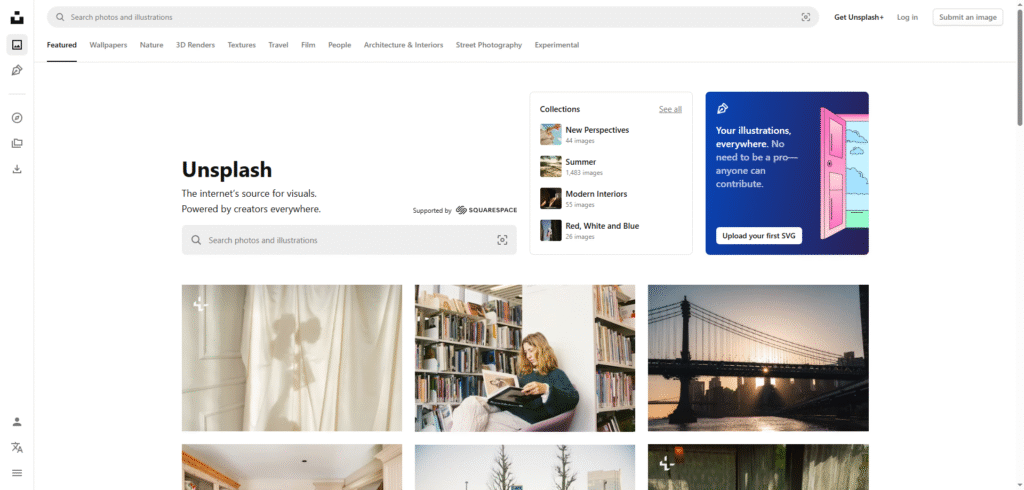
3. Unsplash – www.unsplash.com
Best for: Finding high-quality, royalty-free images
Looking for beautiful photos for your design projects? Unsplash offers thousands of high-resolution images—all free to use for personal or commercial projects. Whether it’s nature, tech, business, or people—you’ll find it here.
Why we love it:
- 100% free stock images
- No copyright worries
- Perfect for mockups and background use
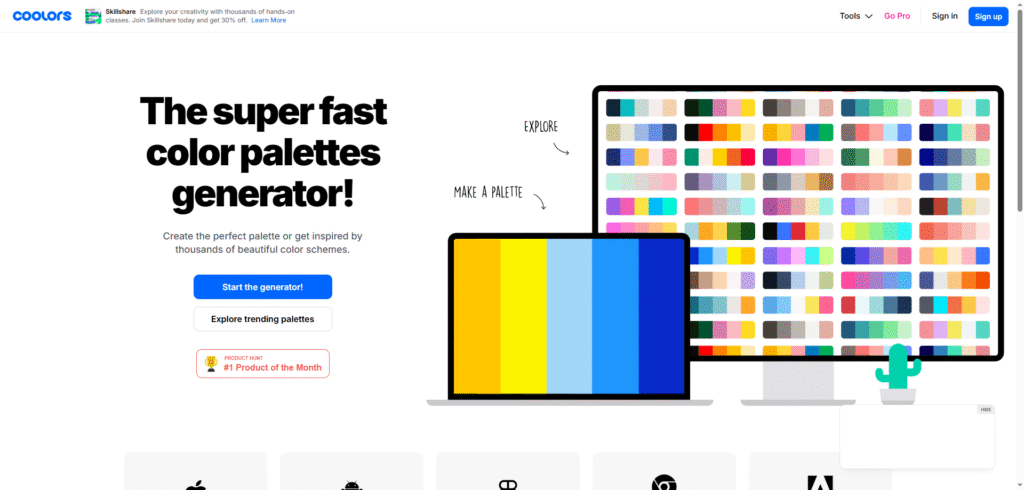
4. Coolors – www.coolors.co
Best for: Creating and exploring color palettes
Struggling to find the perfect color combo for your brand or project? Coolors makes color harmony easy. Generate color schemes with a single click, explore trending palettes, or create custom palettes to match your design.
Why we love it:
- Instant palette generator
- Hex code and RGB support
- User-friendly color theory tool
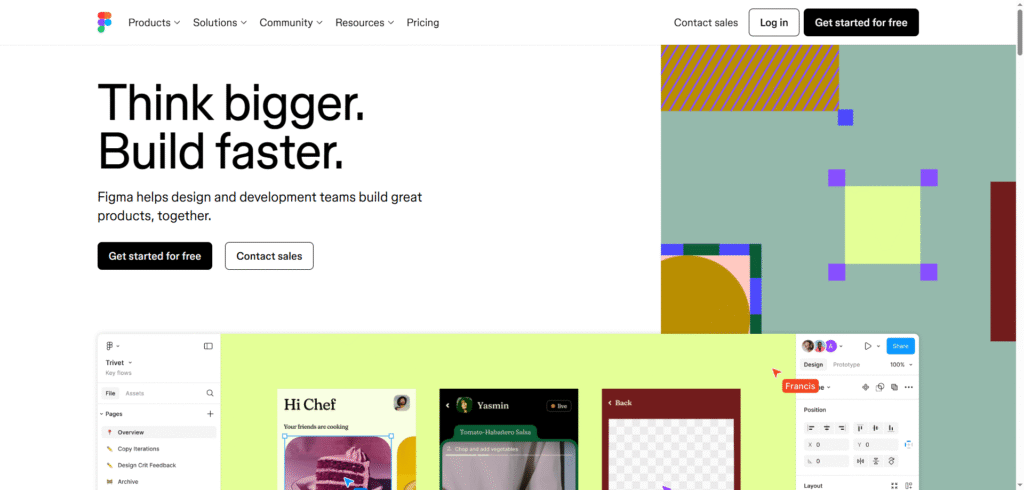
5. Figma – www.figma.com
Best for: UI/UX design, prototyping, team collaboration
Figma is a powerful free tool for interface design and wireframing. You can collaborate with team members in real-time, just like Google Docs, and it’s entirely web-based. Perfect for app design, website layouts, and more.
Why we love it:
- Cloud-based and collaborative
- Great for team projects
- Free plan available with robust features
Final Thoughts
The internet is filled with amazing tools, and the best part is—you don’t have to break the bank to get started. These five free websites will help take your graphic design skills to the next level, whether you’re designing for clients, yourself, or just for fun.
Are there any other free tools you swear by? Share them in the comments!
Stay creative, stay inspired – from the team at 592 Freelancer.
Need professional design help? Reach out to us via WhatsApp at +592 673-9774.
Pingback: Top 10 Ways Graphic Design Can Elevate Your Business in Guyana. - 592freelancer.com
Pingback: How to Find Graphic Designer in Guyana: Your Ultimate Guide - 592freelancer.com